VisioantFull-stack SEO workspace
Module · Automation

Flow builder

Node-based SEO flows: drag tools on a canvas, wire dependencies, configure steps, compose with AI, save, and run, deterministic step order instead of one-shot planner luck.
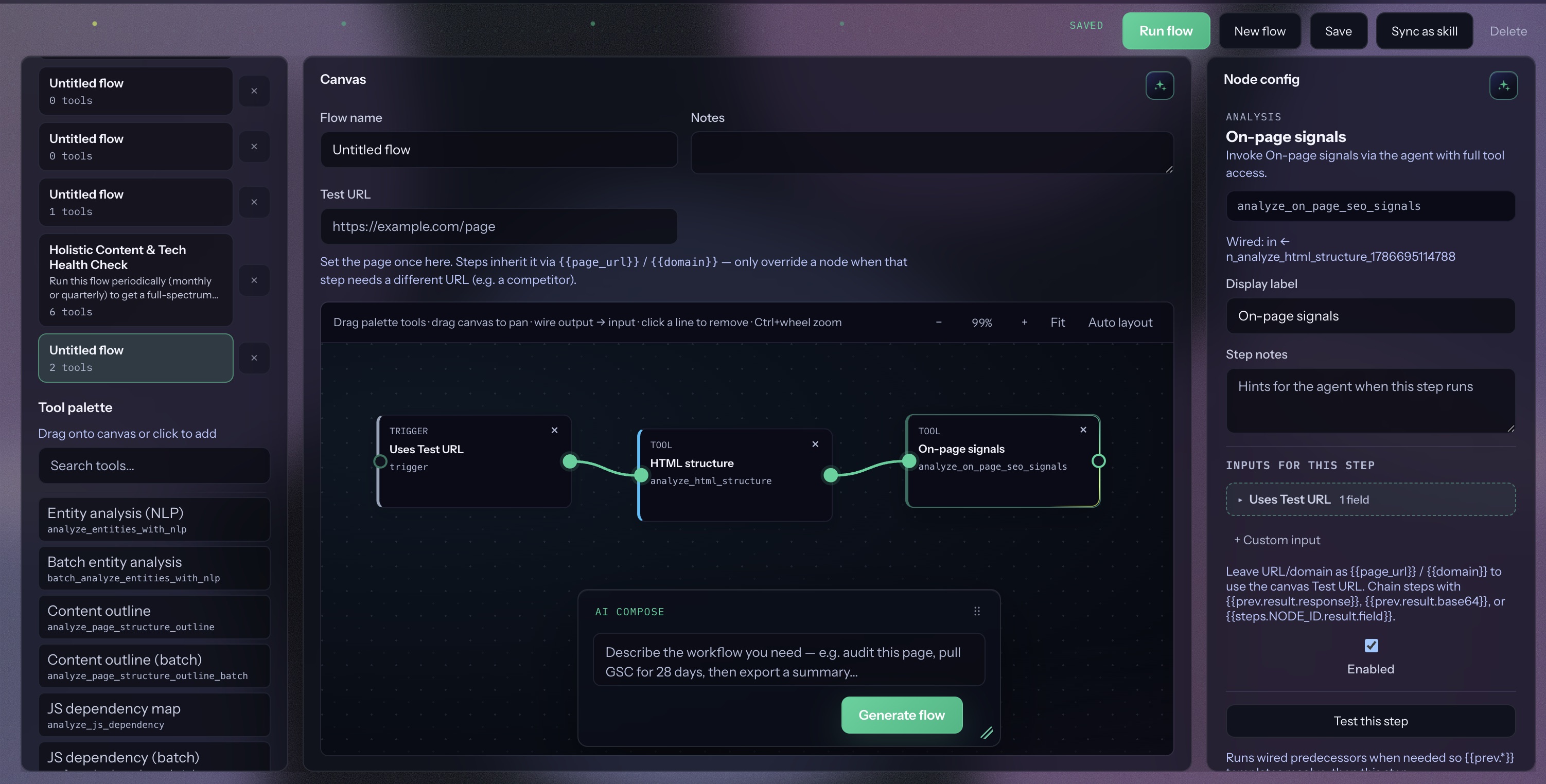
Flow builder with tool palette, wired trigger and analysis nodes, AI compose, and node config

01 Canvas, palette & wires

Saved flows and the tool palette sit beside a dotted canvas. Drag tools, wire output → input, set a test URL, and configure the selected node, edges define order and data handoff before you hit Run flow.
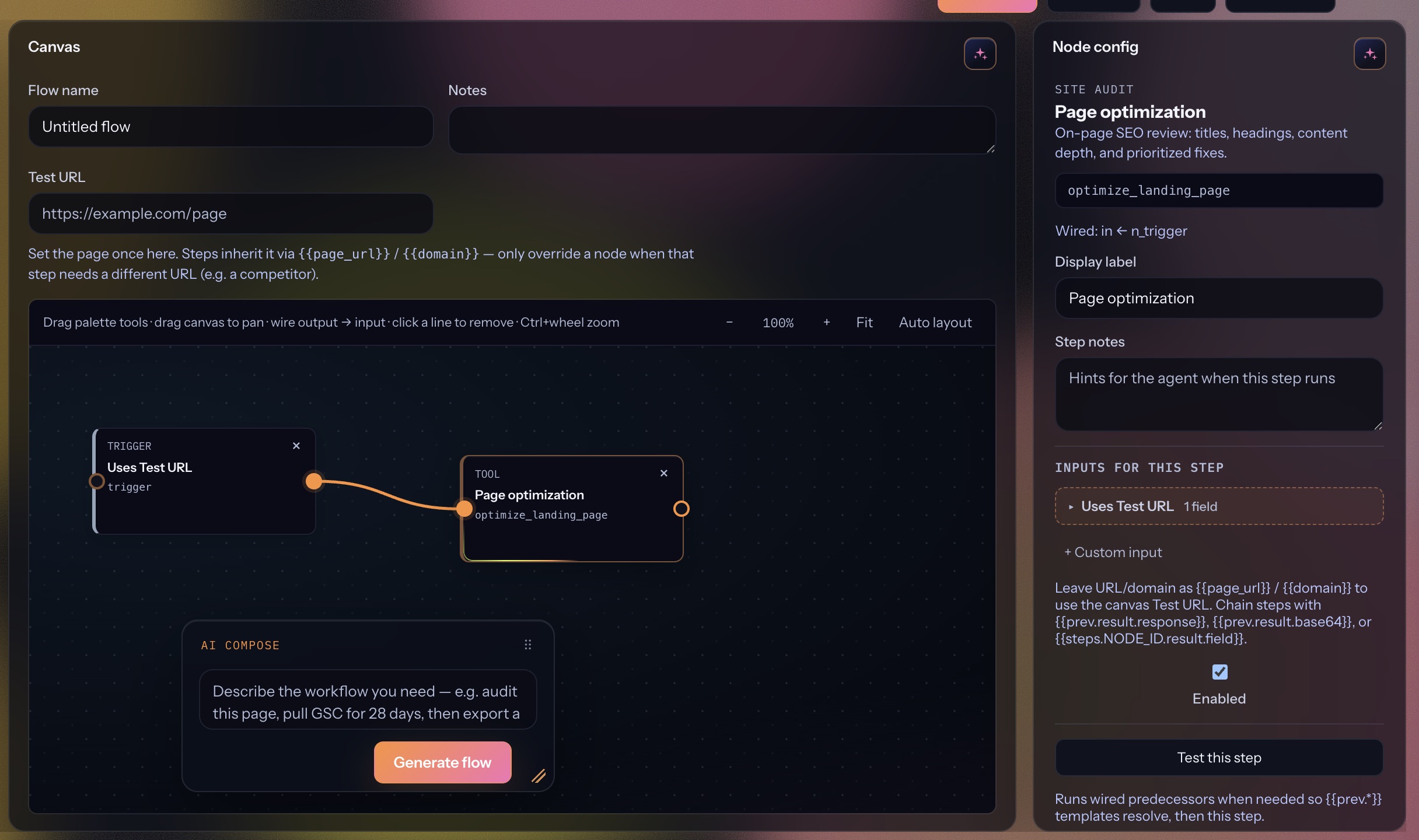
Flow builder node config for Page optimization with inputs, labels, and test this step

02 Node config

Each step has display label, notes, enabled flag, and inputs that inherit {{page_url}} / {{domain}} from the test URL or prior results. Test this step runs wired predecessors so templates resolve.
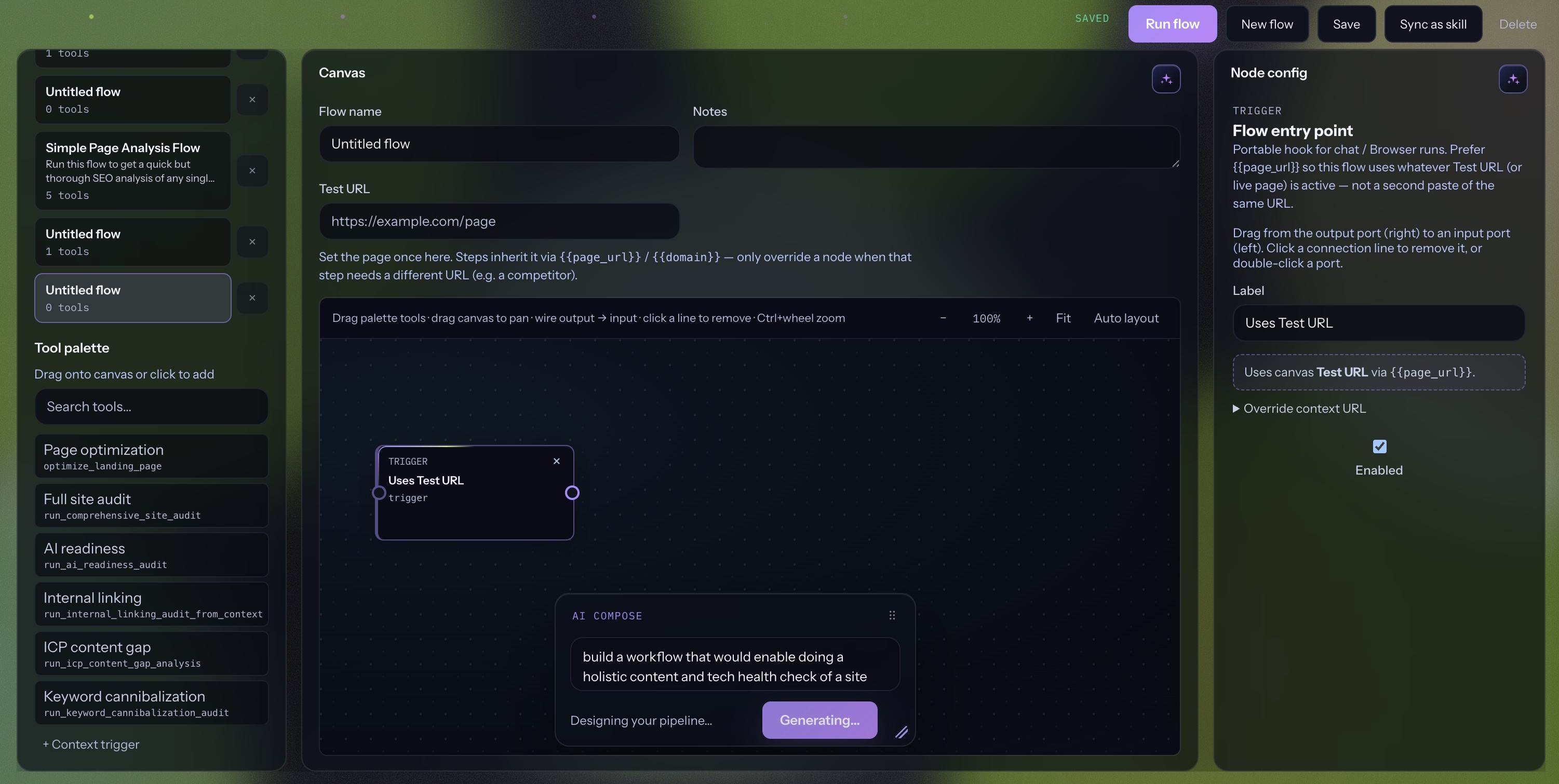
AI Compose generating a holistic content and tech health check flow from a natural language prompt

03 AI compose & run

Describe the workflow in AI Compose and generate a starter graph, then refine wires and save. Run from Flow builder, sync as a skill, or pick the saved flow in Browser chat, deterministic tool pipeline against the page URL.

  • Tool palette mirrors the capability kit
  • Each step returns its own result / download when available
  • Prefer one heavy site-wide audit per flow; chaining several can take hours or time out
FAQ

Flow builder questions

Flow builder vs kit chat?

Chat is exploratory; flows are repeatable playbooks with fixed step order, ideal for audits you run weekly.

If I chain tech SEO + accessibility + internal linking, do I get one report?

No. You get each tool’s own deliverable (and downloads when available), not an auto-merged client deck. Those orchestrators also run sequentially and can take a very long time — or hit the server timeout — if stacked in one flow. Prefer one heavy audit per run; use chaining for lighter fetch → format → export steps.

Can flows call Content Wizard?

Flows focus on tool steps today; content jobs stay in the Content Wizard tab unless wired via custom skills.

Do flows work in the extension?

Extension parity targets Browser-side agent flows; web workspace is the source of truth for editing graphs.